01
System stock differs from the shelf
Received, sold, and adjusted items are not always recorded in one consistent flow.
Retail Solution
One operating flow for item sales, inventory movement, customer records, shift control, and daily reports. The register remains usable during connection issues.
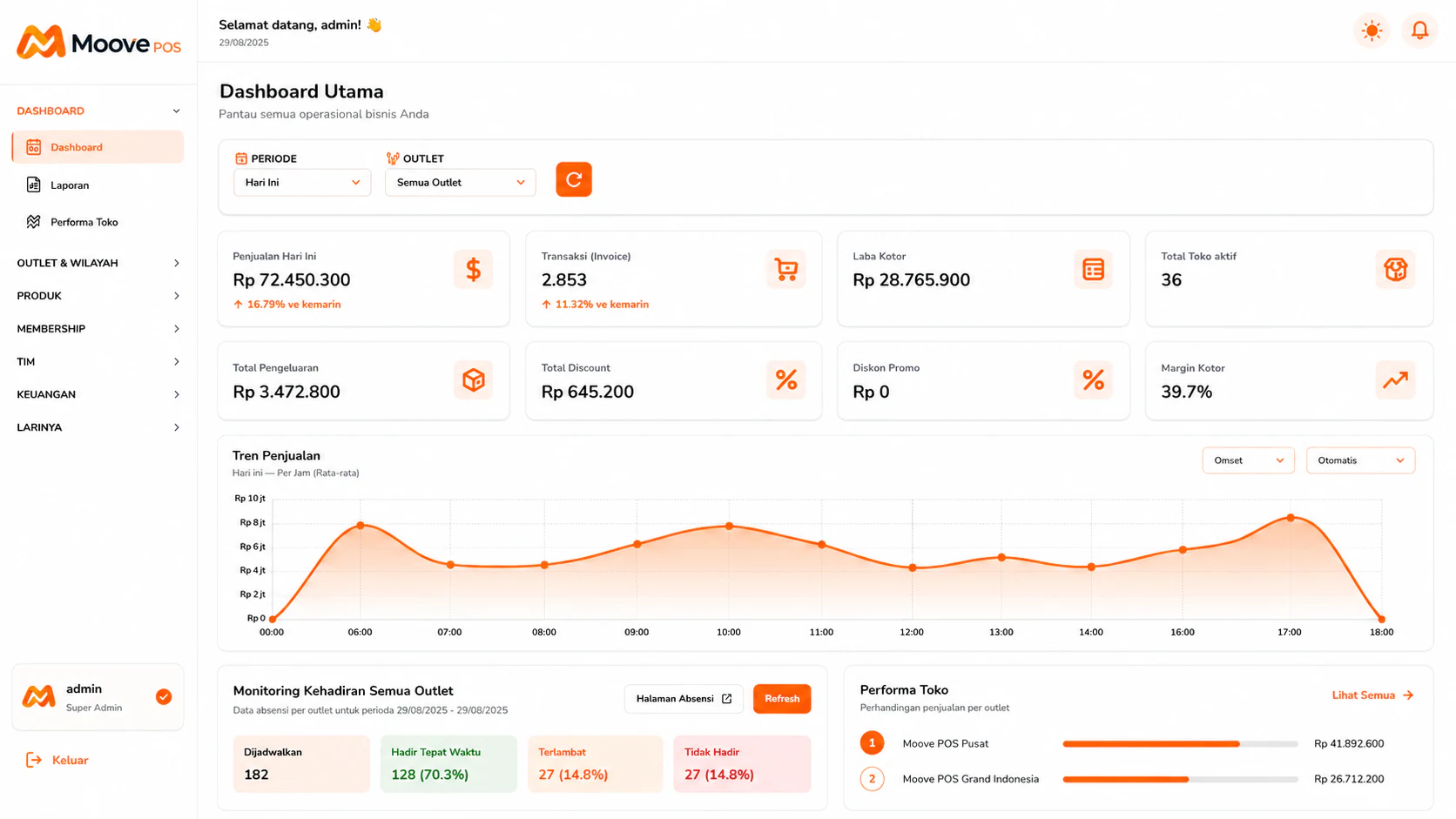
The central dashboard for reading transactions, gross profit, outlets, and store performance.
Common Problems
These problems rarely stand alone. When sales, inventory, and reports are separated, teams spend time reconciling numbers.
Received, sold, and adjusted items are not always recorded in one consistent flow.
Revenue, payment methods, and cash differences are only reconciled after closing.
Purchasing and promotion decisions are delayed because reports live in separate files.
Operating data flow
MoovePOS connects the transaction point with the data needed by operators and owners.
Find or scan an item, select payment, and record the transaction against the active shift.
Sales reduce item stock so the team can see what needs checking or replenishment.
Sales, transactions, gross profit, and outlet performance are summarized in one dashboard.
Offline-first
Register remains usable
Per item
Item inventory tracked
CSV/Excel
Reports can be exported
These answers reflect currently available product capabilities without promising unreleased modules.
Find or scan an item, select payment, and record the transaction against the active shift.
01Sales reduce item stock so the team can see what needs checking or replenishment.
02Sales, transactions, gross profit, and outlet performance are summarized in one dashboard.
03Recommended Plans
Try MoovePOS at no cost. 1 outlet, up to 20 products, basic offline cashier features.
Rp 0
1 outlet for a small team. Unlimited transactions, item and ingredient stock, sales reports, offline mode, and WhatsApp support.
Rp 199.000/month
MoovePOS
Bring the register, stock, or reporting workflow that still slows your team down. We will show where MoovePOS can remove repeated work.