01
Branch standards start to drift
Prices, catalogs, recipes, and recording practices change independently at each outlet.
F&B Franchise Solution
HQ keeps catalogs, prices, recipes, team access, and branch reports on the same standard. Compare outlet performance without merging spreadsheets one by one.
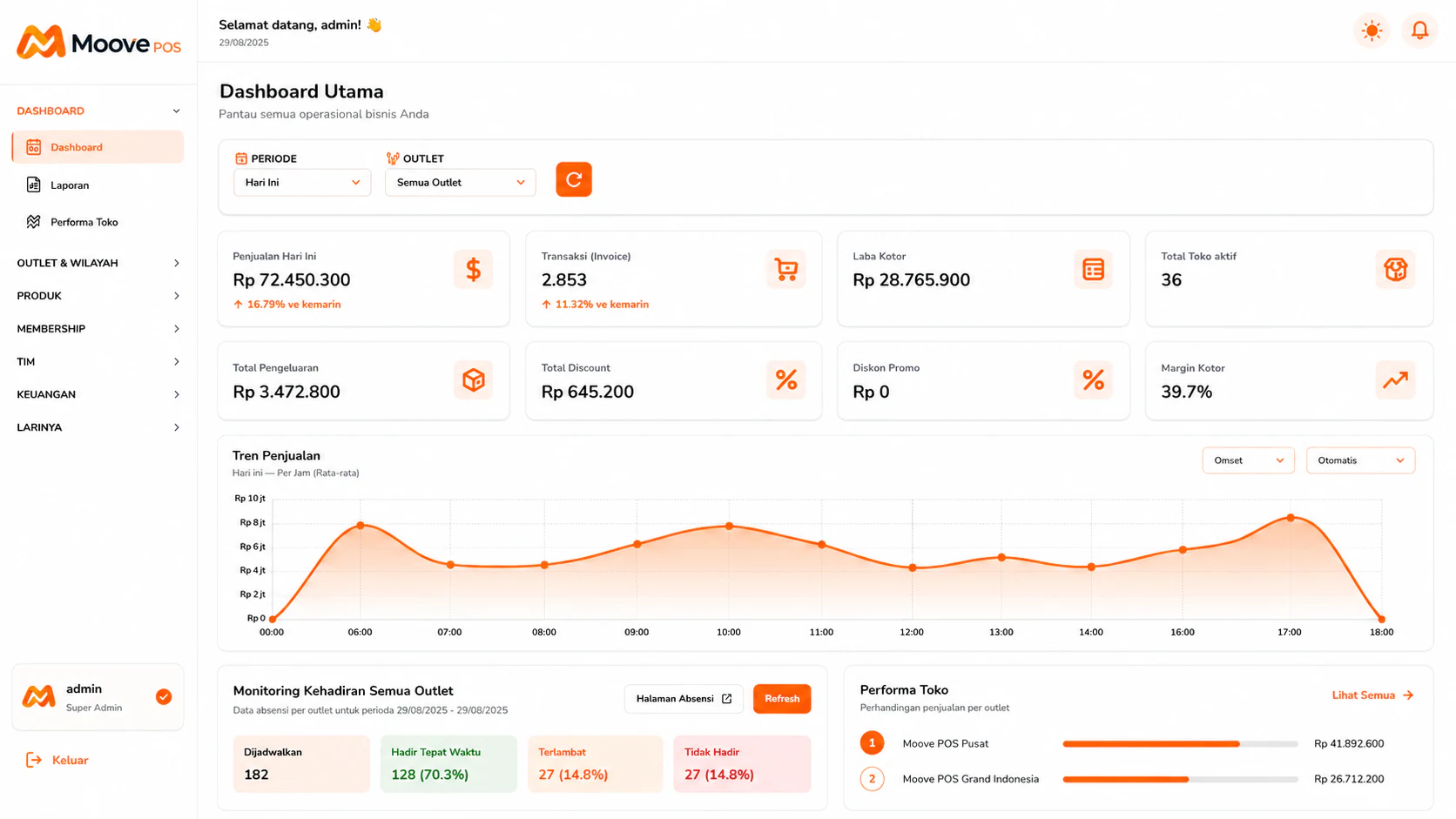
The central dashboard for reading transactions, gross profit, outlets, and store performance.
Common Problems
These problems rarely stand alone. When sales, inventory, and reports are separated, teams spend time reconciling numbers.
Prices, catalogs, recipes, and recording practices change independently at each outlet.
Different report formats make healthy and struggling outlets look the same.
Cashiers, supervisors, and HQ need access boundaries that match their roles.
Operating data flow
MoovePOS connects the transaction point with the data needed by operators and owners.
Catalogs, recipes, prices, and access rights are prepared centrally for the network.
Each outlet follows the same standard while transactions remain attributable to each location.
Revenue, transactions, margins, and outlet performance are read from one consolidated dashboard.
1–10
Outlets by plan
Pusat
Controlled operating master
RBAC
Role-based access
These answers reflect currently available product capabilities without promising unreleased modules.
Catalogs, recipes, prices, and access rights are prepared centrally for the network.
01Each outlet follows the same standard while transactions remain attributable to each location.
02Revenue, transactions, margins, and outlet performance are read from one consolidated dashboard.
03Recommended Plans
Most chosen. Up to 3 outlets & 15 users, multi-outlet. All Starter features plus crew management, full financial reports, and cross-outlet comparison.
Rp 399.000/month
Franchise and large multi-outlet operations. Up to 10 outlets, your own store name and branding, system connections, regional dashboards, data migration, and priority support. Need more than 10 outlets? Add outlet add-ons or contact us for custom pricing.
Rp 1.199.000/month
MoovePOS
Bring the register, stock, or reporting workflow that still slows your team down. We will show where MoovePOS can remove repeated work.