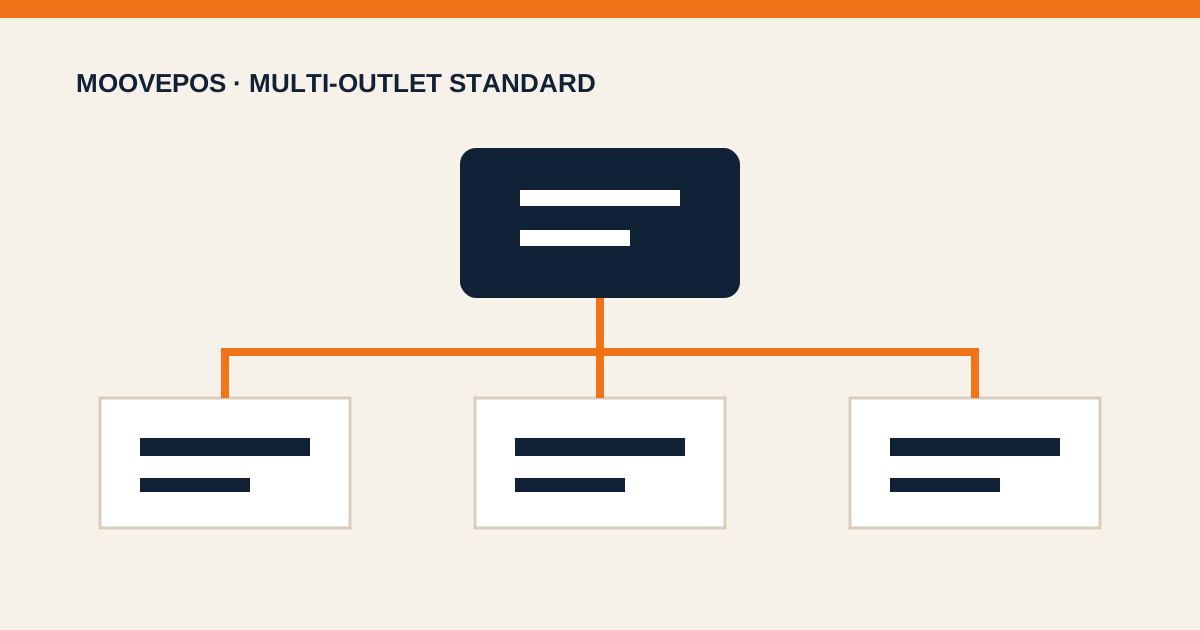

As a business adds branches, reports multiply but decisions do not automatically improve. Owners receive files from outlets that close at different times, use different formats, and may not even define revenue the same way. A multi-outlet dashboard becomes useful only when every branch reads numbers by the same rules.
Start with the same period and definitions
Compare outlets over equivalent periods. Do not compare a branch open for half a day with one that completed a full day. Define net sales, discounts, refunds, tax, and service fees consistently so numbers do not differ merely because of calculation methods.
Six signals worth reviewing every day
- Sales and transaction count together, so changes in average basket value are visible.
- Gross margin, because high sales do not always produce healthy profit.
- Discounts, voids, and refunds to uncover process leakage.
- Top products and critical stock so promotions do not empty the shelf.
- Cash discrepancies and shift-closing status.
- Team attendance, especially when sales decline alongside understaffing.
Compare outlets with context
An office-district outlet behaves differently from a residential one. Compare each outlet with its own trend, target, similar weekdays, and stock conditions. Branch rankings without context can encourage the wrong action, such as adding promotions when the real problem is an out-of-stock core product.
A useful dashboard does not end at red or green. Every anomaly should be traceable to the transactions, products, shifts, and outlets that created the number.
Turn the review into an action list
Keep the daily review to actionable questions: which outlet deviated, which number moved, what is the likely cause, who will check it, and when will the result be reported? This turns the dashboard into a coordination tool instead of a screen opened only at the monthly meeting.
Ready to Run a Cleaner Outlet Operation?
Try MoovePOS for 14 days. Connect transactions, inventory, customers, teams, and reports while keeping checkout available during connection issues.